Unpacking my Ben NanoNote
2 minutes read | 314 words by Ruben Berenguel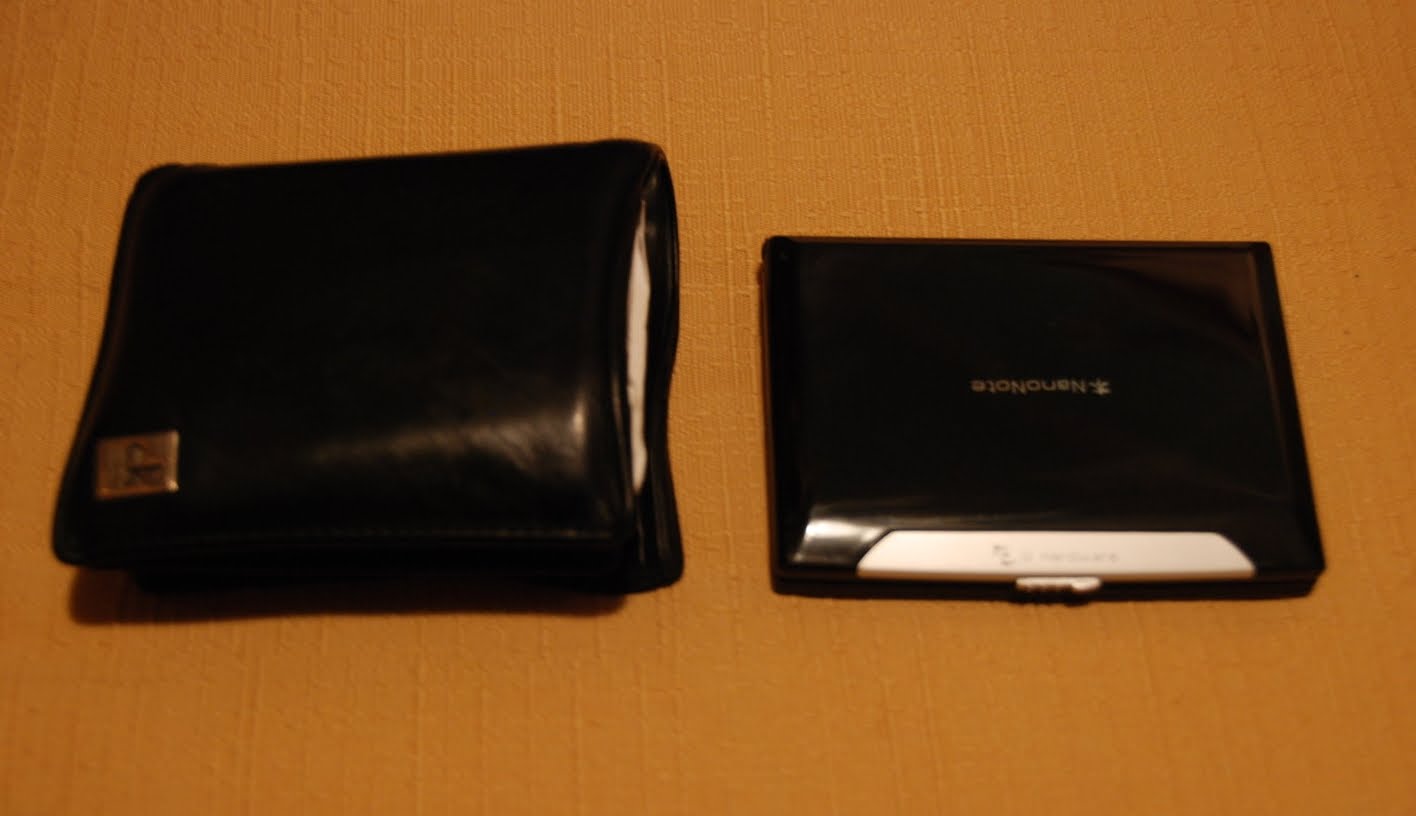
The Ben NanoNote: smaller than my wallet!


The Ben NanoNote: A computer smaller than my wallet
If you are new here, have a look around and if you like what you find, don’t forget to subscribe.
Today I received by post my Ben NanoNote, from Tuxbrain. What is it? A palmtop computer, really small. It has also really small specs… small screen, small keyboard, little RAM, and so on. Just a geek toy. But isn’t it nice? You may wonder: How much is it: 99€, or 99$, depends.
I have seen quite a few videos on unpacking the NanoNote… I took some pictures. The usual unpacking process: tearing the bag, opening the paper bag… Then comes the really nice, smallish box. Well packed, it is!


It comes quite tightly packed (not as tightly as Apple gadgets, mind you) as you can see. Some foamy packing to keep it from getting knocked, underneath it comes a box with a small booklet with some hints (Internet forwarding via USB, Ethernet via USB, USB Boot and reflashing), a cleansing towel (quite nice, iPod style) a USB-miniUSB connector and charger and something that looks like a plastic “switch” to toggle the hardware USB boot.
Below you can see it running. Still little software… Luckily, this will improve over time, with help from all developers worlwide. This is an open project, every owner can help, and I’m doing the best I can to improve it. Long live the Ben NanoNote!


Related posts:
 9 Programming Books I Have Read and Somewhat Liked… (more than 12K views!)
Power Nap Via the Command Line in Linux/Mac OS
Linux is a time killer (follow-up – Ditching Ubuntu: Arch Linux in my Acer Aspire One) My first port to the Ben NanoNote: gnugo
Another Ben Nanonote port: pmars
Nanonote ports: Yacas, 4th (forth compiler and interpreter)
Gcal: the ultra-powerful command line GNU calendar
ParseList(ScrambleList(Relateds(Linux, Programming)),10)